- The Deep View
- Posts
- How open models solved Capital One's AI problems
How open models solved Capital One's AI problems

The Deep View
April 19, 2026

Hello, friends. Welcome to a special weekend edition of The Deep View. Chrome’s new Skills feature signals a shift toward a more agentic web, embedding AI actions directly into the browser without forcing users into new tools. In the enterprise, Capital One is forging a unique path, betting on deeply customized open models to meet strict regulatory demands while keeping pace with AI innovation. Lastly, Gemini uses personal context to make image generation feel much more tailored to you, your preferences, and your people. —Jason Hiner
1. How open models solved Capital One's AI problems
2. Chrome’s new AI ‘Skills’ push the web toward agents
3. Gemini makes your AI images feel less generic
GOVERNANCE
Why Capital One rejected off-the-shelf AI

AI is hard to secure as it stands. Doing so as a legacy financial institution is even harder.
At HumanX in mid-April, The Deep View sat down with Milind Naphade, SVP of AI foundations at Capital One, to break down how longstanding, highly-regulated financial institutions are using AI to innovate without wreaking havoc.
Before joining Capital One in 2023, Naphade worked for legacy tech giants like Nvidia, IBM Research and Cisco. Stepping into an industry like finance, he said, gave him a whole new appreciation for navigating the intricacies of innovating within the purview of regulator scrutiny.
“There are a certain set of things you must do, and you cannot do,” Naphade told The Deep View. “Making AI actually operate in this ‘must’ and ‘cannot’ [environment] is actually much harder than saying, ‘Oh, we can just have guardrails.’”
Naphade found the solution out in the open: Instead of trying to retrofit proprietary, off-the-shelf models from frontier labs to develop its AI systems, Capital One relies on open-source models, developed in the US, said Naphade. “We do believe that the open weights and open models approach … It's the only way we get to deeply customize them,” he said.
It’s an unlikely approach given that open models tend to have security issues, such as model tampering, data leakage and a lack of regular, ongoing security updates.
However, Capital One isn’t simply downloading open models off Hugging Face and plugging them in where they fit. Rather, Naphade said, “We start with open-source, and we then customize it to the point where it's almost unrecognizable.”
And to meet regulatory standards, Naphade said, the company will completely dissect these open models, deeply studying their architecture and tracing their lineage.
“This is not your usual enterprise, where you just take something, do a little bit of fine-tuning here and there and call it customized.”
Navigating AI with an open-source approach, however, has allowed the company to stay at the leading edge of AI without relying on frontier labs for all innovation. For instance, Naphade said, the company has been experimenting for more than two years, and debuted its first agent tool last January.
Now, however, staying ahead of the curve may be the only way to keep up with customer expectations, he said. “Everybody is using ChatGPT in their daily lives,” Naphade said. “They are going to expect every part of their interaction with their enterprise experiences to have a similar level of intelligence.”

Capital One is a prime example of the enterprise benefits that can be reaped by betting on open-source models, even in tightly regulated industries. However, with ultrapowerful models like Anthropic’s Mythos and OpenAI’s “Spud” on the horizon, it’s easy for enterprises to become distracted with shiny things, especially when those things promise productivity and efficiency beyond their wildest dreams. Still, whether or not they're in regulated industries, more enterprises could stand to gain by adopting Capital One’s approach to open models and may find greater advantages from highly customized, purpose-built models than from expensive, off-the-shelf general-purpose ones.

TOGETHER WITH CODER
Test Your Organization’s AI Adoption in 5 Minutes
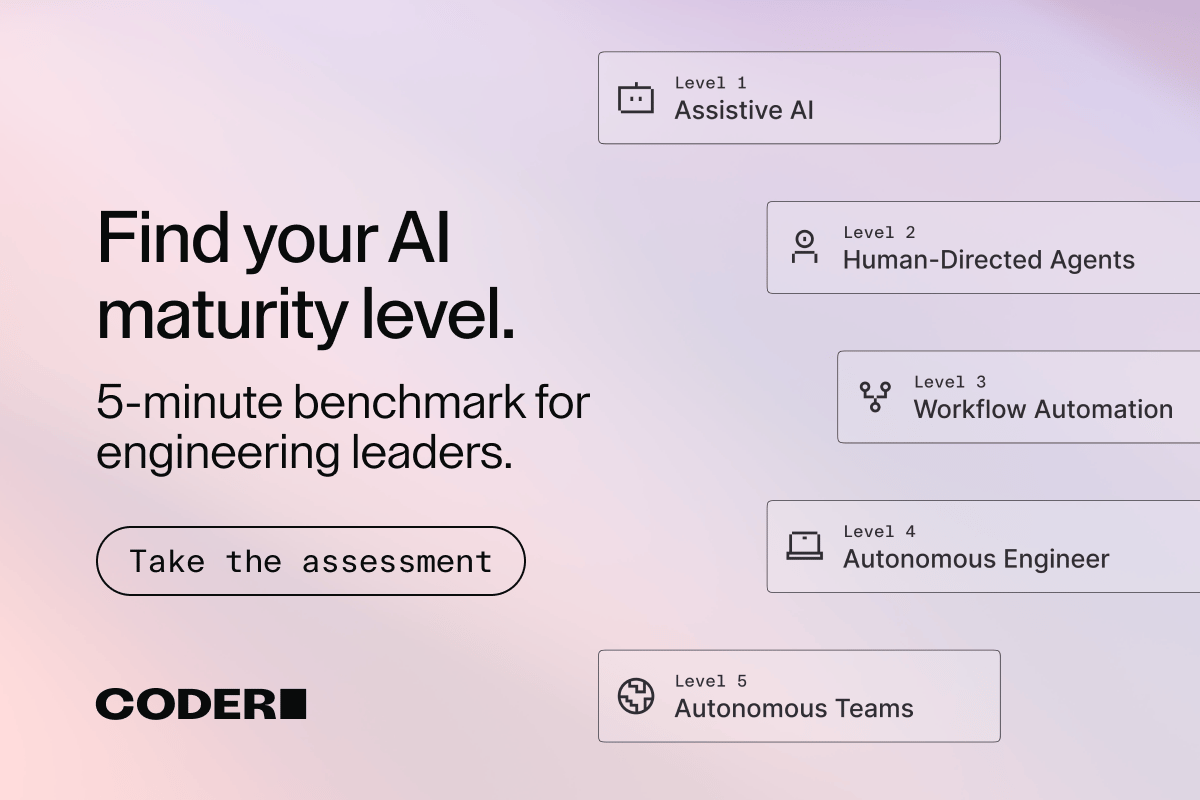
With this AI Maturity Model Self-Assessment from Coder.
Yes, it really only takes 1 minute (if you click fast). Yes, it will tell you not only where your company stands in terms of AI maturity and adoption success, but also show you practical next steps you can take to keep advancing. No, it doesn’t cost money. It’s free, and you can take it right here.
What’s left to do? Well, thank Coder for one – they put this together, shared it with all of you, and have countless other resources as you take your AI journey… which we’ll have more on below. Thanks, Coder!
PRODUCT
Chrome’s AI ‘Skills’ push the web toward agents

Millions already turn to AI for answers. Now, it may change how they search in the first place.
On Tuesday, Google launched Skills in Chrome, a feature that lets users save and easily call on AI prompts they frequently use. The way it works is simple: users write and save a Skill, or an AI instruction, to their chat history, and the next time they need it, it's easily accessible using a forward slash (/) or the plus sign (+) as a shortcut.
Early testers used it for repetitive tasks such as calculating protein macros for recipes or comparing specs side by side while shopping, according to Google. To facilitate the use of Skills, Google is also launching a library of ready-to-use Skills in Chrome that users can try out of the box or customize.
If you've been noticing the word "skills" popping up a lot lately, that's because AI skills are one of the biggest trends in the space right now. At their core, they're an extension of AI agents: a bundle of instructions that saves you from typing out the same conditions every time you want to trigger an action. Claude, ChatGPT, and Gemini all offer their own version of agent skills, with Anthropic Claude’s version getting the most buzz on Twitter/X.
Since Skills can instruct agents on what to do, Google attempts to quell apprehensions of AI agents going rogue by reassuring users that these skills are built “on Chrome’s foundation of security and privacy, and they utilize the same safeguards we apply to prompts in Gemini in Chrome.” Furthermore, the Skills prompt will ask for confirmation before taking certain actions.
Skills are being rolled out to Gemini in Chrome on desktop, and will be available on any signed-in Chrome desktop device.
More and more, we are seeing web browsers adopt AI features, serving as an alternative to "AI search engines" such as Perplexity, which people thought would be the next big thing when AI first blew up in popularity around 2023. Subtly infusing AI features into existing desktop applications makes AI more accessible to a broader range of users, even those who are reluctant to use it, without requiring context switching or adding yet another tool to their workflow. Google has already seen significant success with this approach, as AI Overviews in traditional Google search accumulate billions of views each month.

TOGETHER WITH CODER
Is Your Infrastructure Ready For AI Agents?
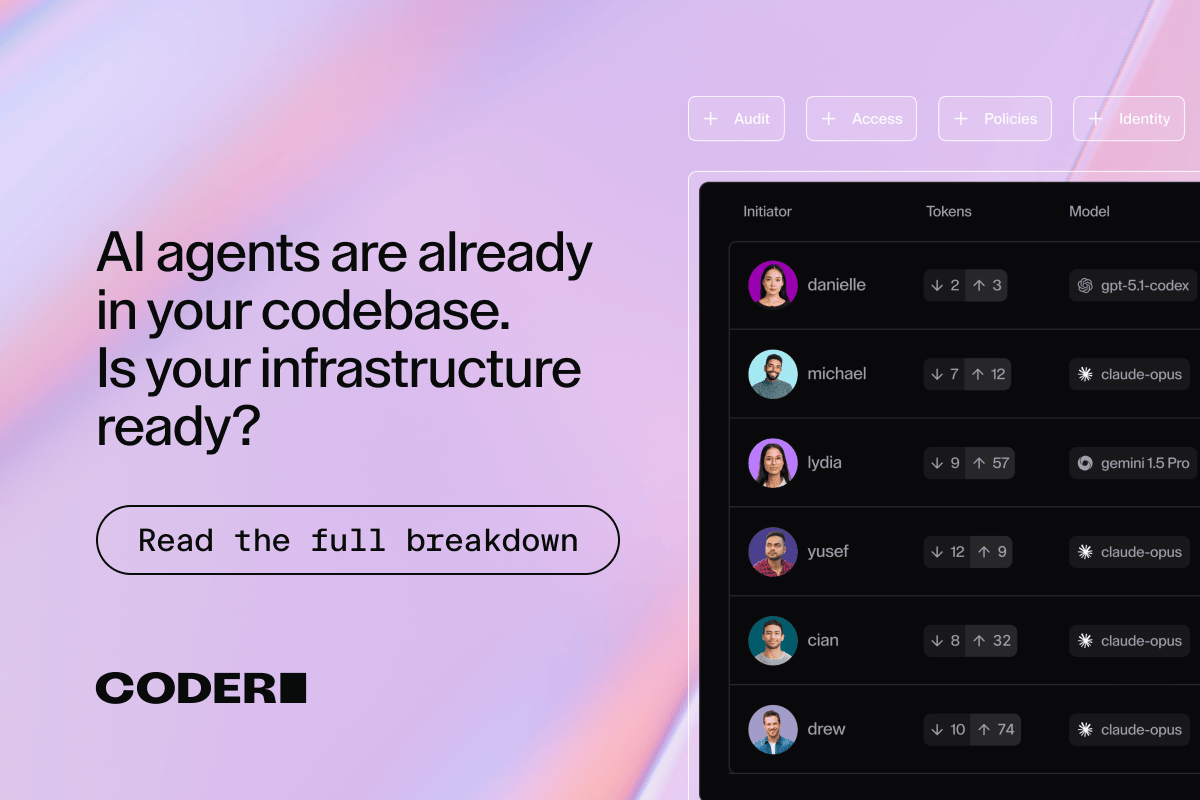
If the answer wasn’t an immediate yes, then it’s probably a firm no – and that means you need to start getting prepared. But where should you start?
Well, this article from Coder is about as logical of a place to begin as any. Not only does it lay out the real risk model for agentic AI (plus the infrastructure your team needs to govern it), but it also shows you how to build the environments that make it work. You’ll learn why to treat AI agents like interns and not tools, the “lethal trifecta” threat model your security team needs, and even the three-layer architecture Coder recommends.
CONSUMER
Gemini makes your AI images feel less generic

When Google launched Personal Intelligence in January, it promised a smarter, more connected AI experience across its apps. Now, that vision is extending to image generation.
On Thursday, Google announced that it was integrating Gemini’s Personal Intelligence directly with Nano Banana 2, allowing Gemini to use that context to create images that better align with users' preferences without you having to explicitly say it.
For instance, if you enter a prompt such as "Design my dream house,” Gemini would use the context of the Google app ecosystem to generate an image that reflects the user's lifestyle and tastes without needing additional prompts or reference images. To get started, there is no additional setup as long as the user has already linked their Google apps.
Similarly, when users connect Gemini to their Google Photos library, the labels in Google Photos are used to group people and pets, providing context for image generation. In practice, this looks like asking Gemini to generate an image of you and your family doing your favorite activity in an anime style, and now it can do so using the provided context.
Google warns that, since it is a new experience, it could get things wrong. However, it gives users the option to refine results by describing what is incorrect or by selecting the right image from their Google Photos library. Users are also invited to click the Sources button to see exactly which image was automatically selected to create the image.
Lastly, because images are personal and mostly meant to be kept private, Google clarifies that it does not “directly train its models on your private Google photos library,” rather it “trains on limited information, like specific prompts in Gemini and the model’s responses.”
The new personalized image creation feature is rolling out to all paid Gemini app users in the US over the next few days, and Google plans to bring it to Gemini users on Chrome desktop soon.
I'm still working to understand how image generation benefits everyday users, which makes the feature less appealing to me. That said, it does highlight something Google is doing really well: building a seamless ecosystem that makes it easier both to hand off information between apps and to infuse Gemini throughout all of them. This is exactly what Apple promised with its Personal Intelligence feature, and has failed to deliver yet. That's a difficulty that ultimately led to its recent agreement with Google. Keeping that lens in mind, this feature is worth noting. And clearly, people are likely to have fun with it, and it will be more efficient in making silly images you can text to family and friends.

The Deep View is written by Nat Rubio-Licht, Sabrina Ortiz, Jason Hiner, Faris Kojok and The Deep View crew. Please reply with any feedback.

Thanks for reading today’s edition of The Deep View! We’ll see you in the next one.


If you want to get in front of an audience of 750,000+ developers, business leaders and tech enthusiasts, get in touch with us here.